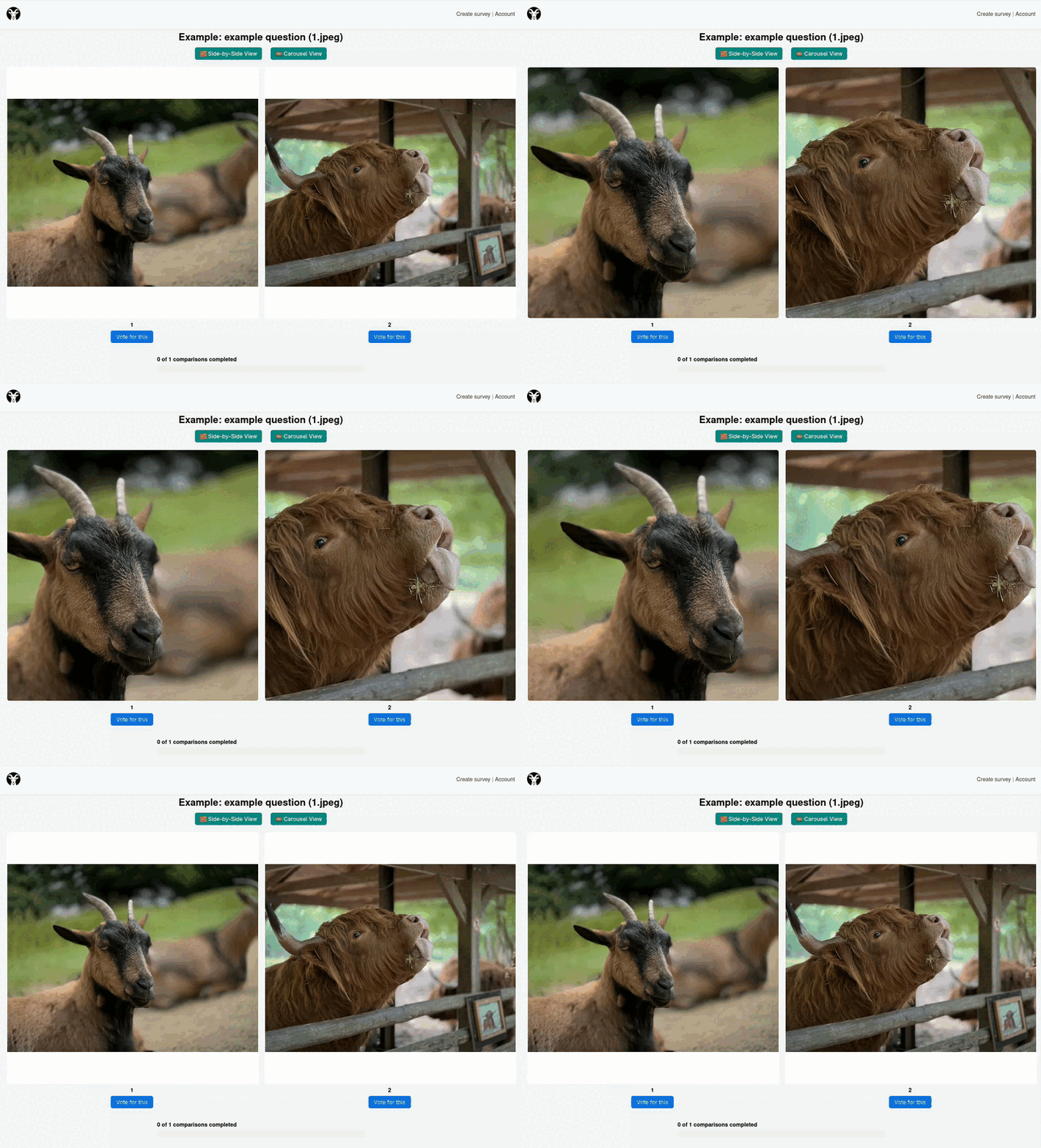
Side-by-Side View
You can freely pan and zoom in either image. The movement is synchronized so the compared images stay aligned.

User Guide
GOAT helps teams collect structured feedback on image quality and preference. Depending on the browser you use, image rendering can differ slightly.
You can only participate in surveys via invite links or credentials. Enter them on the landing page here.
Navigation
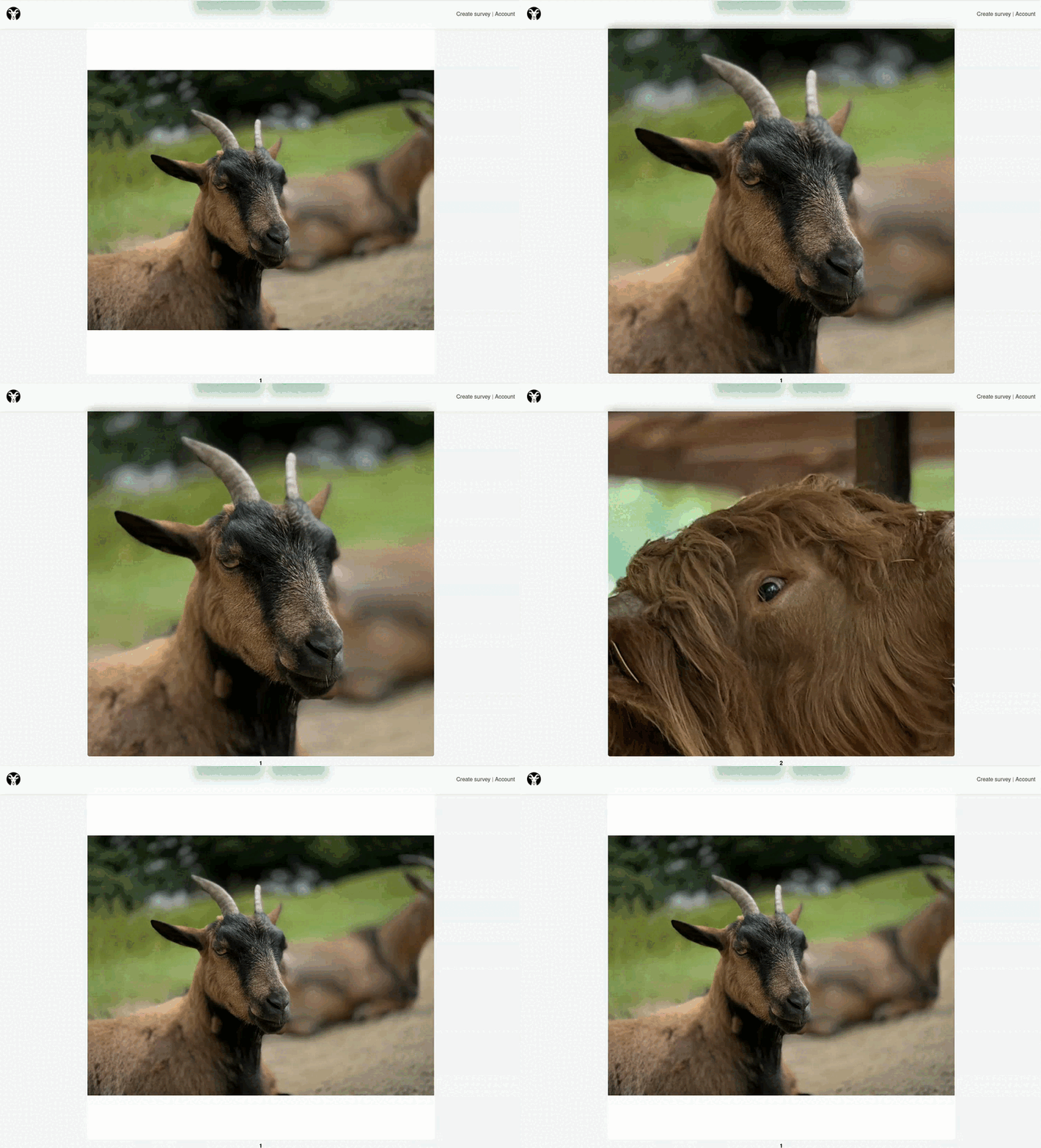
You can freely pan and zoom in either image. The movement is synchronized so the compared images stay aligned.
Switch between images using the arrow keys or number keys. Image 1 is mapped to the 1 key on your keyboard.
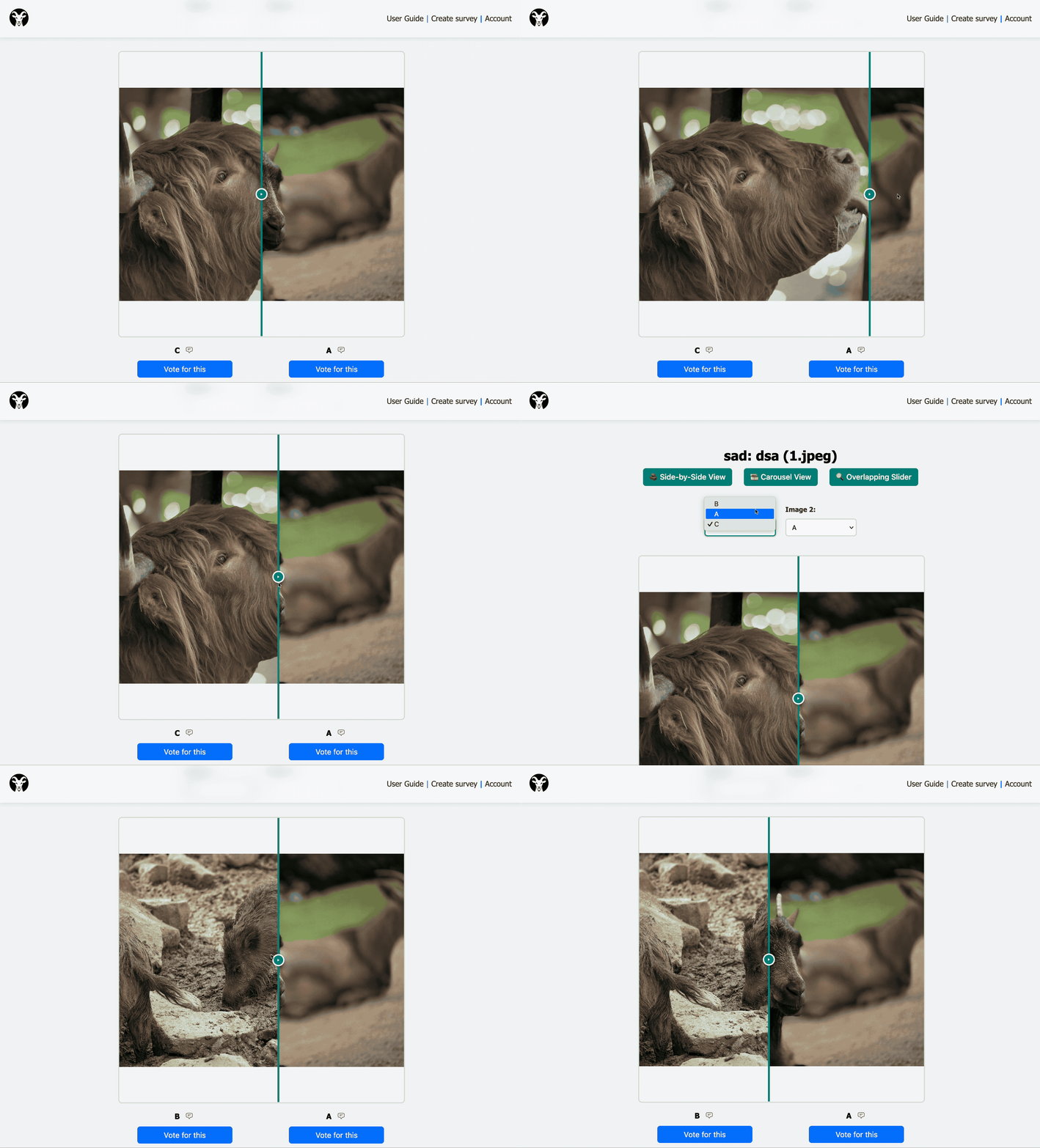
Compare two images in an overlapping slider view and drag the handle to reveal more of either side.
Comments
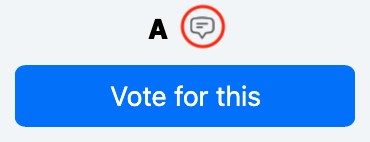
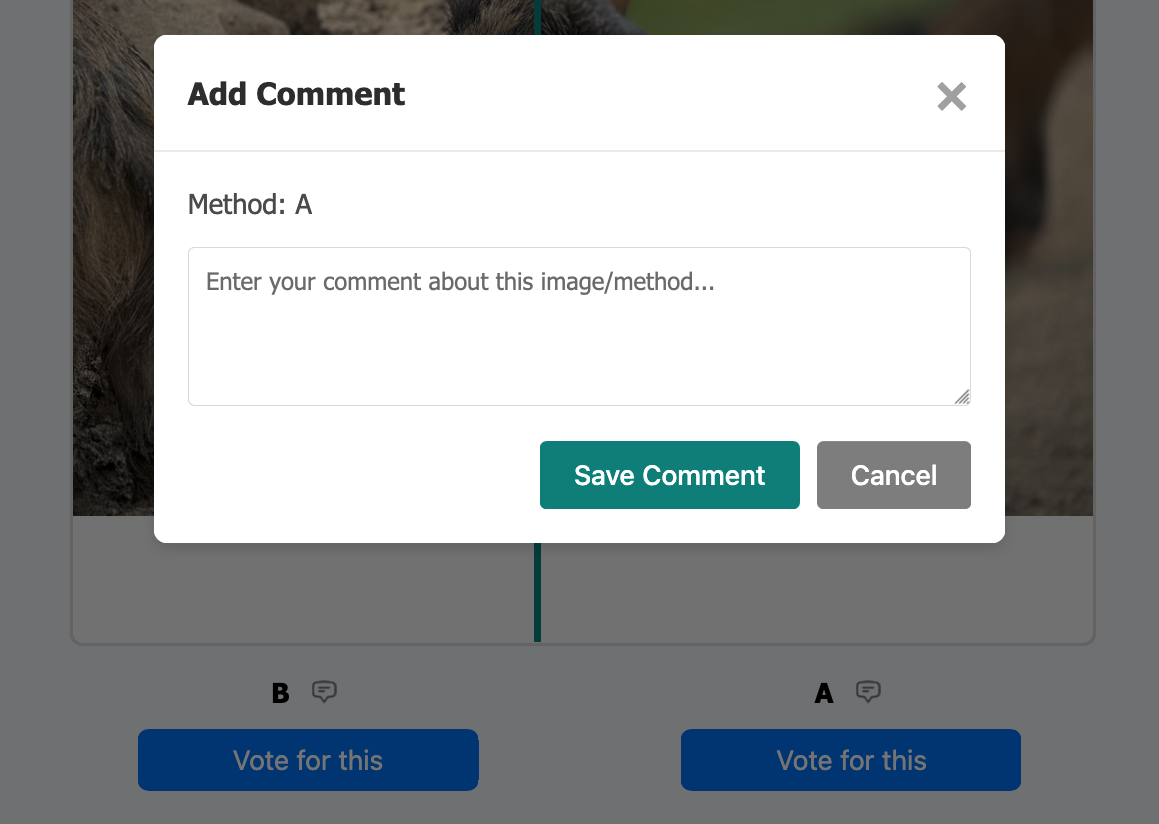
If the survey creator enabled comments, you can attach one to each image and, when available, also to the neutral option. Reopening the same comment button lets you edit your note later.
Organizer
If you are organizing surveys, use your account area to create studies, manage access, and review results.
Go to account