Welcome to GOAT
This platform aims to obtain feedback for image preferences. Depending on your browser choice, the image rendering might differ.
You can only participate in surveys via invite links/credentials. Enter them on the landing page
here .
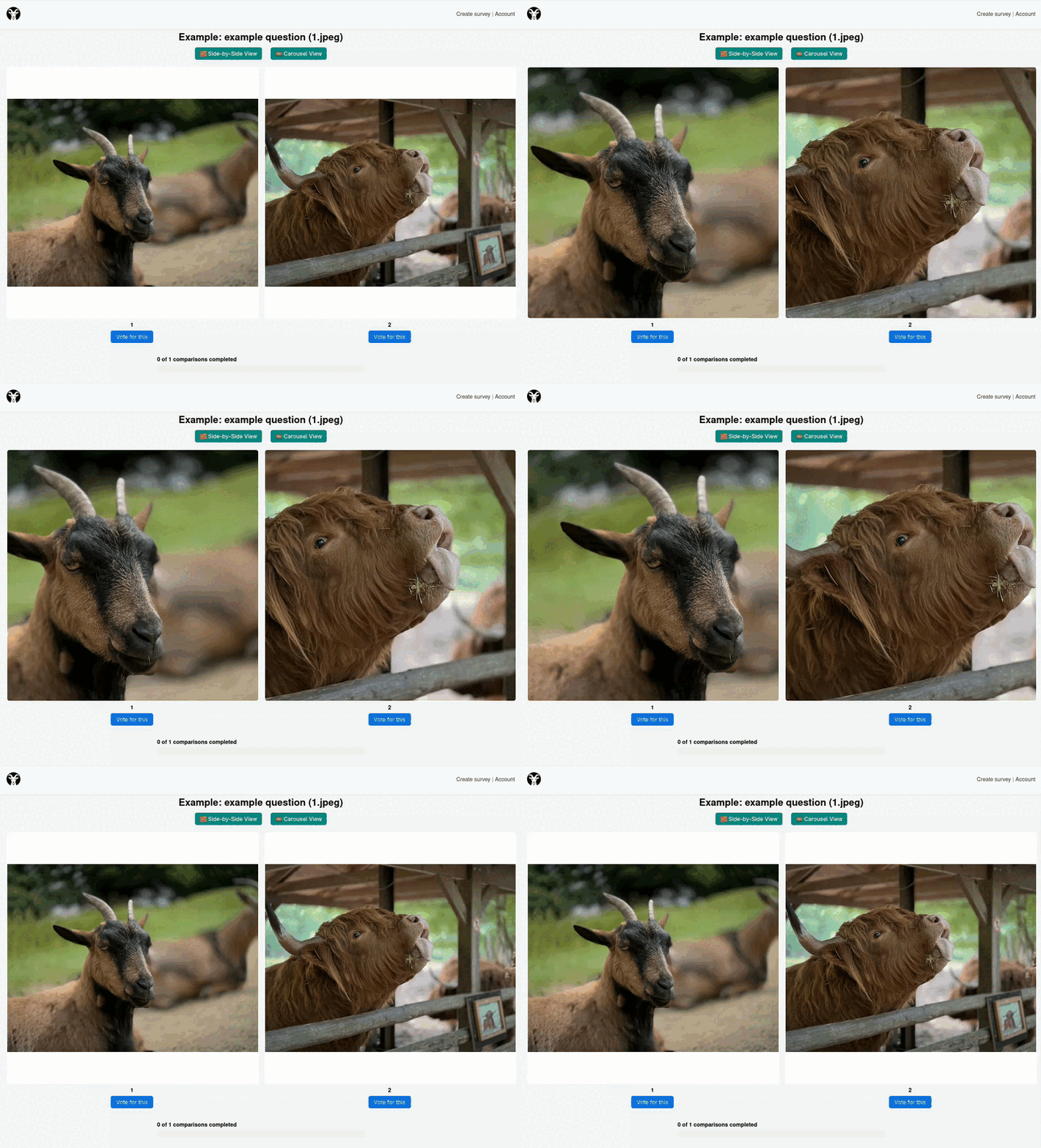
Navigating the survey is quiet easy. You have two views:
Side-by-Side View
You can freely pan and zoom in either of the images. The movement will be automatically applied to all images.
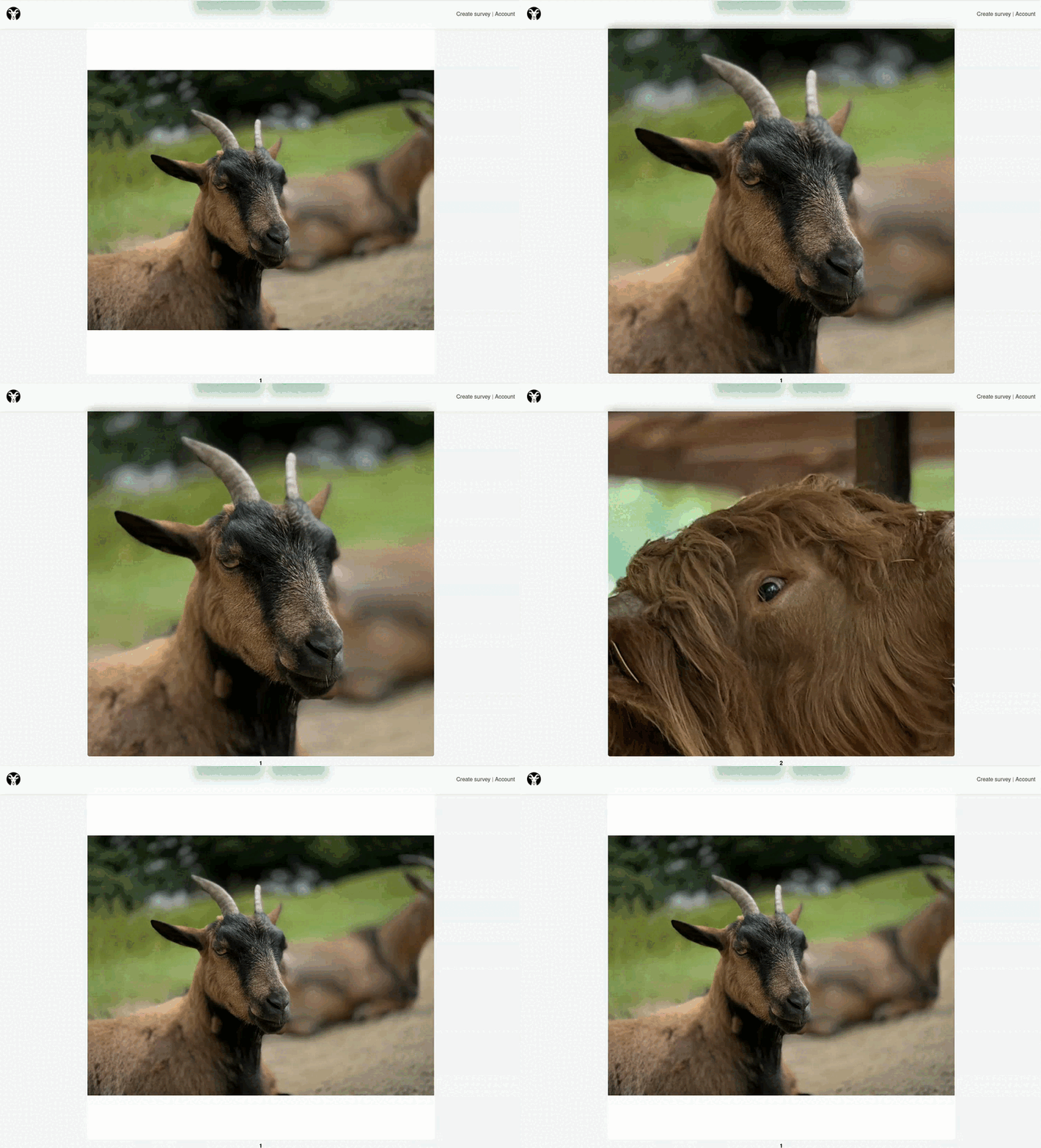
Carousel View
Here you can toggle between the images using either the arrow keys or the numbers. Image 1 is mapped to key "1" on your keyboard.
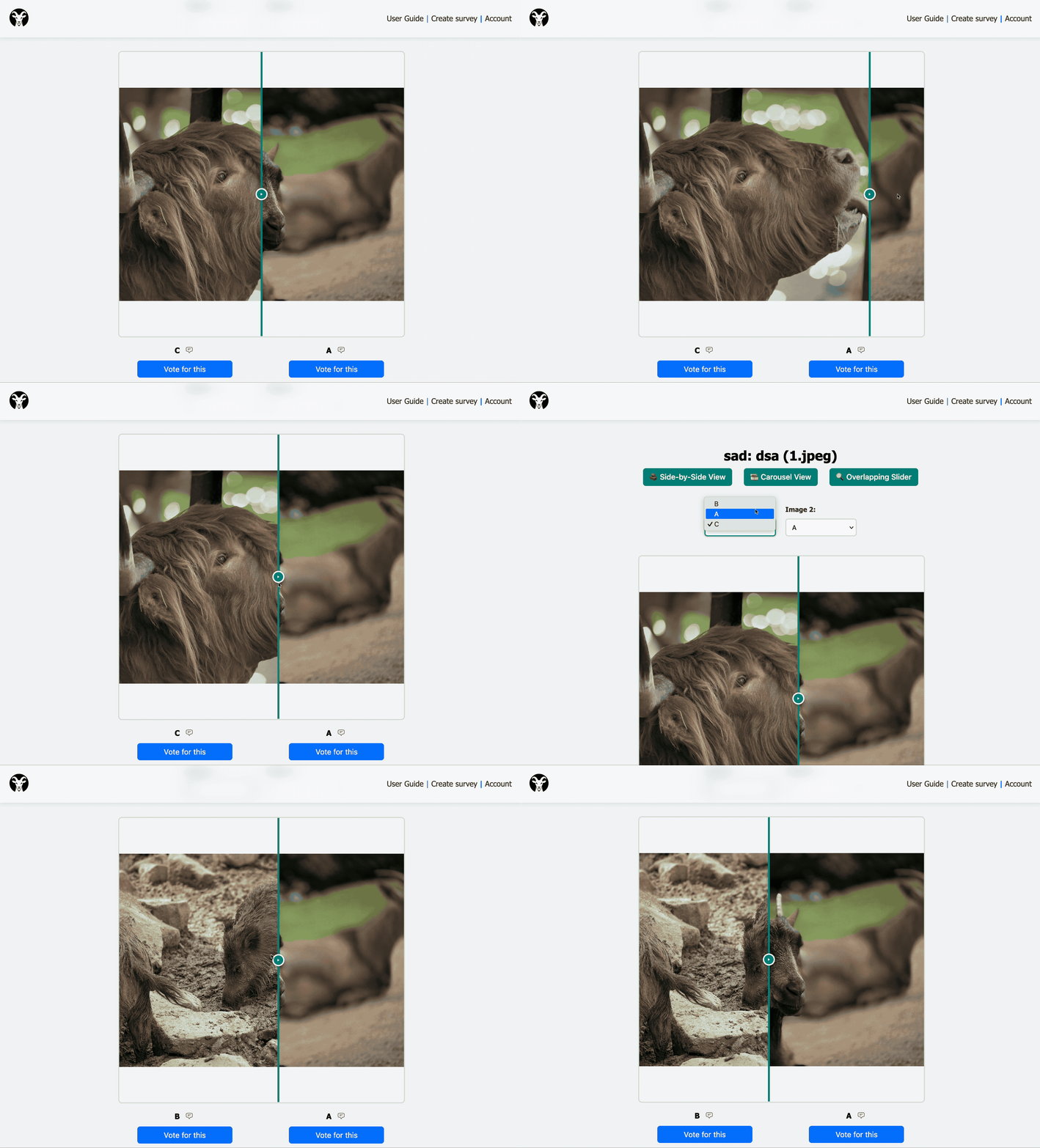
Slide View
You can set two images to be compared using a slide view.
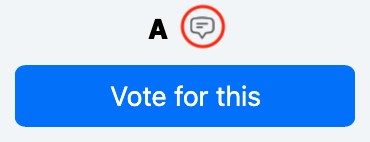
Ading comments
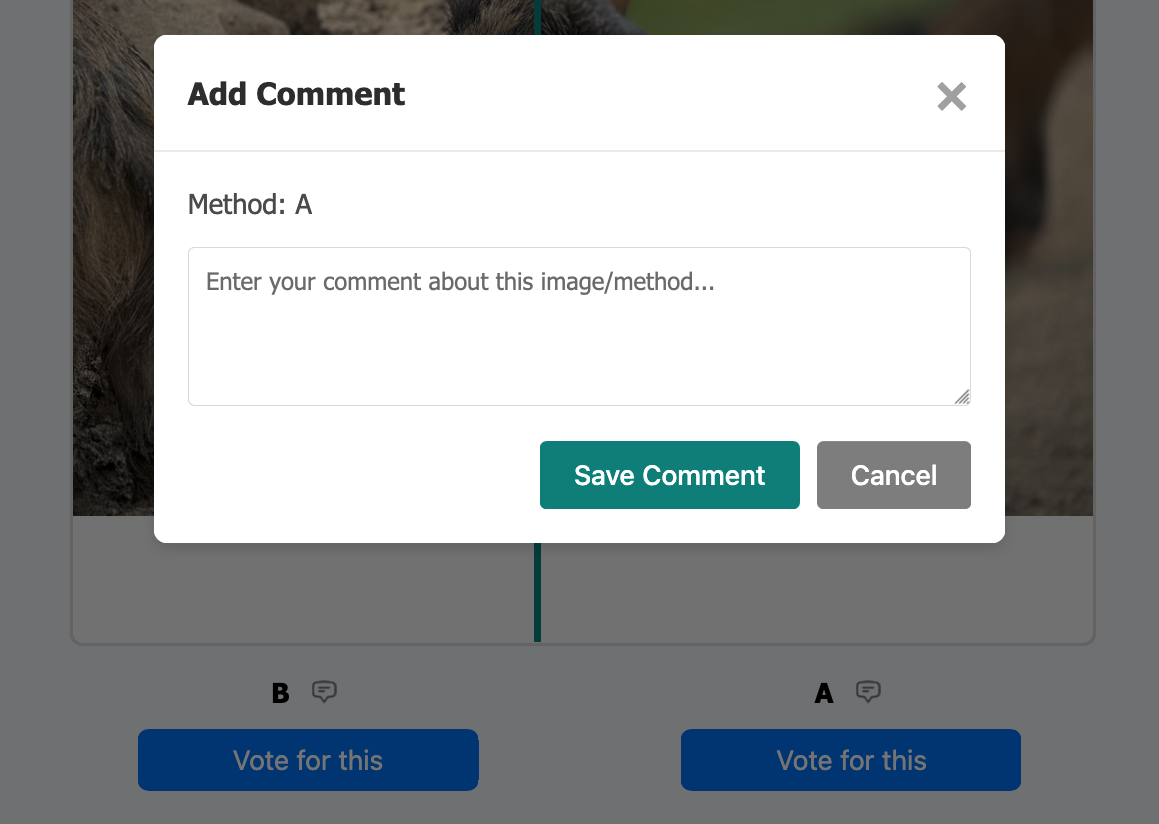
If the creator of the survey has added the option to add comments, you can do so by clicking the comment icon. You can add a comment to every image, as well as the "No preference" option. Comments can also be edited by pressing the same button again.
Are you an organizer?
Login to your account